1
Drop in a batch
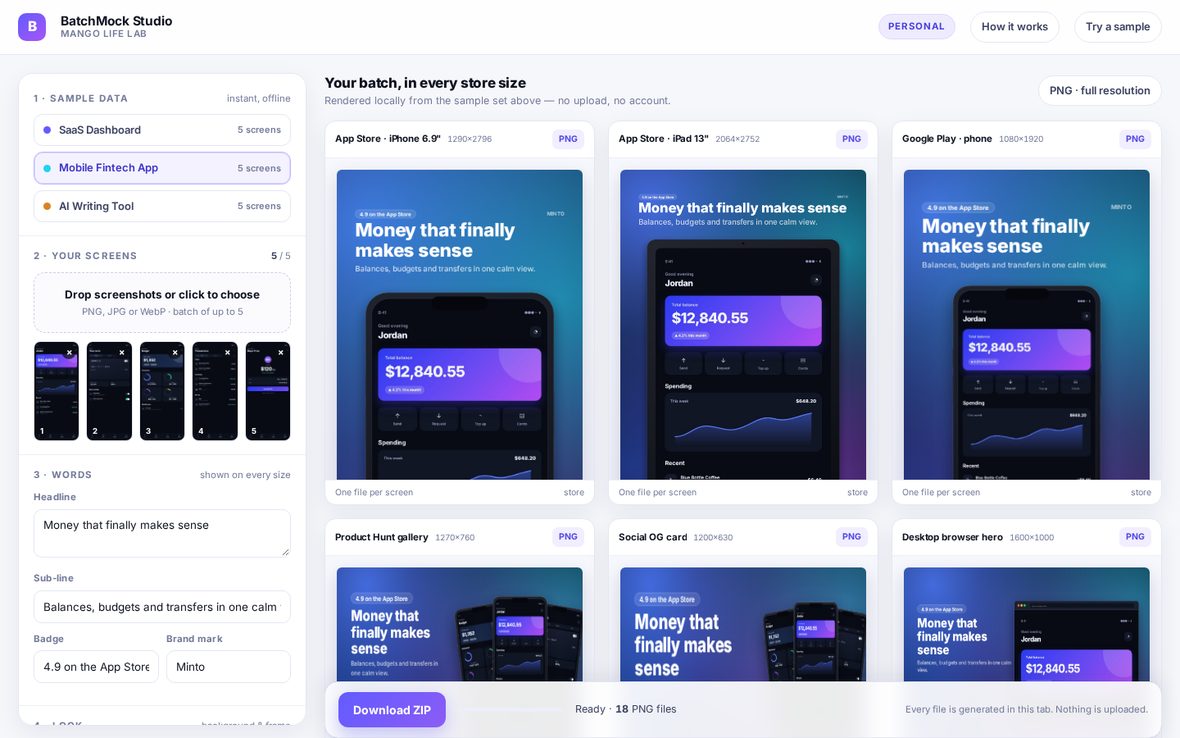
Drag five screens onto the window and all six previews render on the spot. The size of every output is printed on its card.
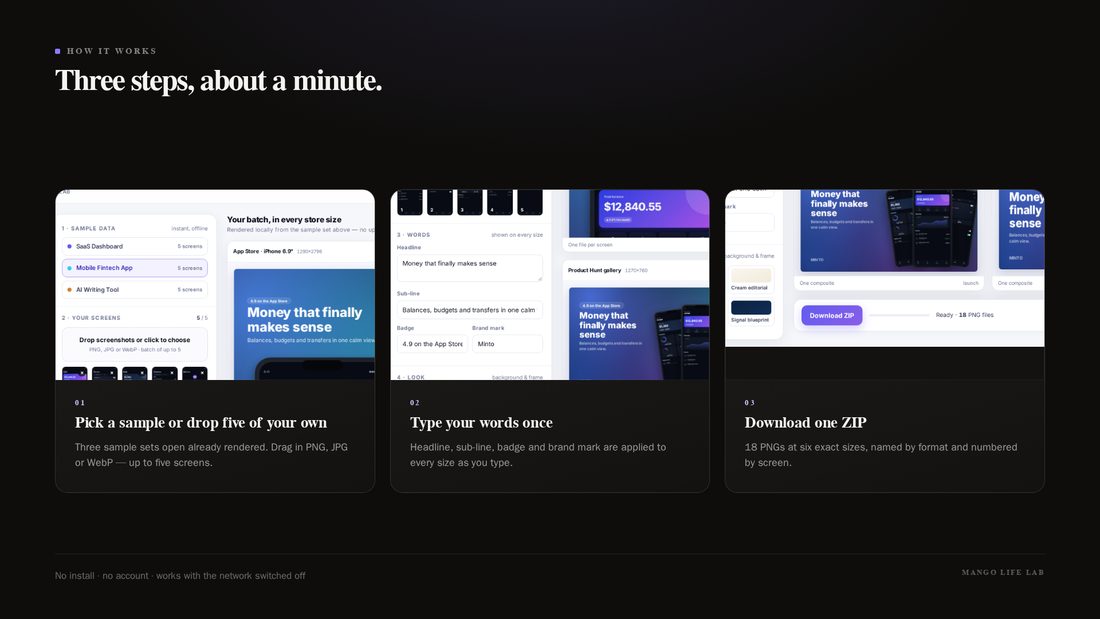
Drop in up to five screens. BatchMock Studio returns 18 PNGs in the six formats every store and launch page asks for — named, sized and zipped in one download.
One-time purchase · $19 Personal / $49 Commercial · 1 year of app updates
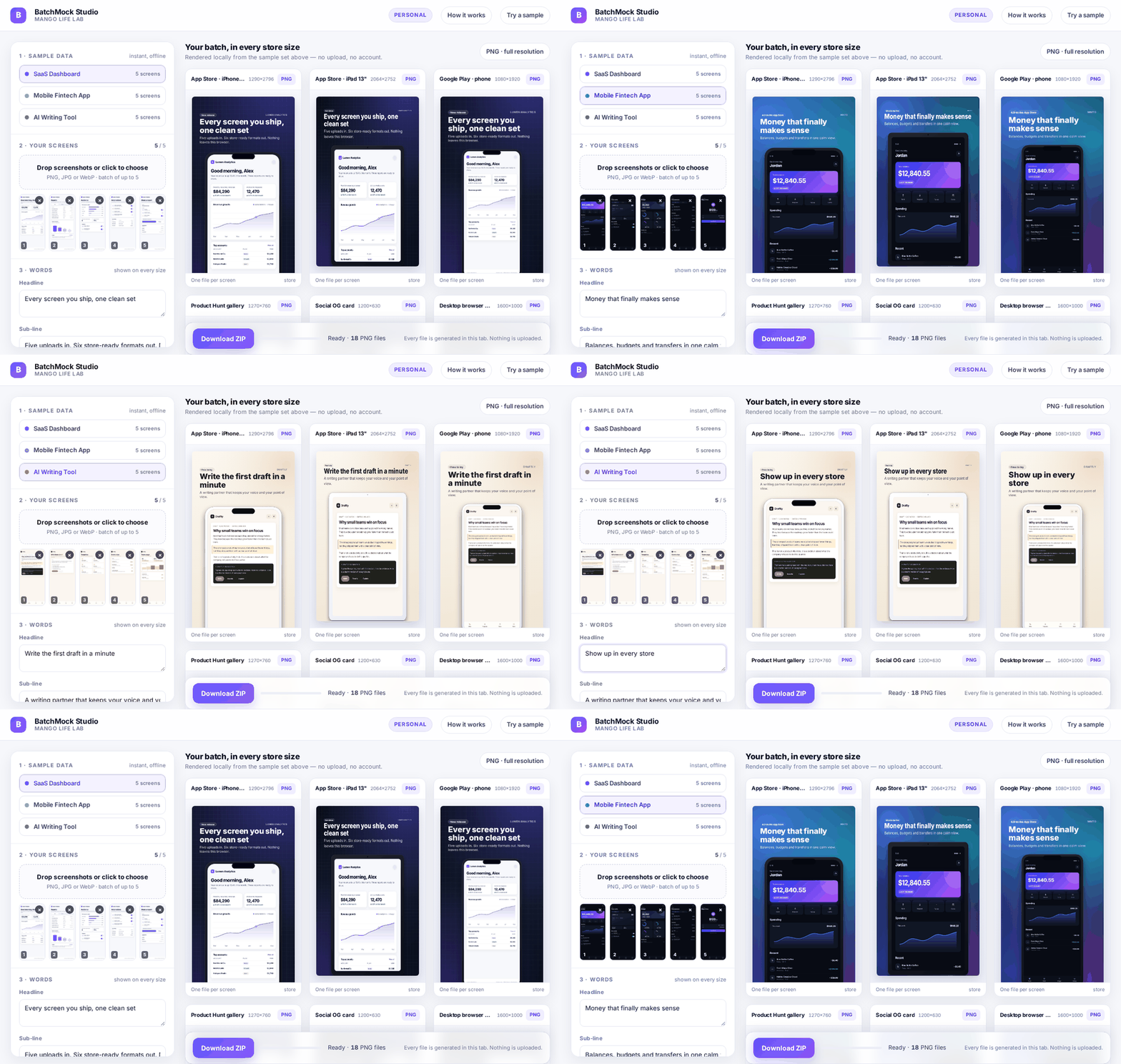
This preview is drawn in your browser from the sample screens that ship with this page. Change the headline and every format on this screen re-renders as you type; switch the colorway above and the whole batch follows. The full tool adds your own screens, batch export and the ZIP.
Five screens fill the three store lists and the three launch formats. That is 18 PNGs in one ZIP; the Commercial licence runs the same set at 20 screens, for 63 files.
| Format | Pixels | File name prefix | Screens per batch | Files |
|---|---|---|---|---|
| App Store · iPhone 6.9″ | 1290 × 2796 | AppStore-iPhone-6.9 | 5 | 5 |
| App Store · iPad 13″ | 2064 × 2752 | AppStore-iPad-13 | 5 | 5 |
| Google Play · phone | 1080 × 1920 | GooglePlay-Phone | 5 | 5 |
| Product Hunt gallery | 1270 × 760 | ProductHunt-Gallery | 1 set | 1 |
| Social OG card | 1200 × 630 | Social-OG-1200x630 | 1 set | 1 |
| Desktop browser hero | 1600 × 1000 | Desktop-Browser-Hero | 1 set | 1 |
| Total per 5-screen batch | — | — | 5 | 18 |
Every file carries its store slot in the name, so the upload folder needs no sorting. The ZIP is built in the tab.
No installer, no sign-in and no render queue. The tool is one HTML file with the fonts and sample screens inside it, so it works with the network switched off.
Drag five screens onto the window and all six previews render on the spot. The size of every output is printed on its card.
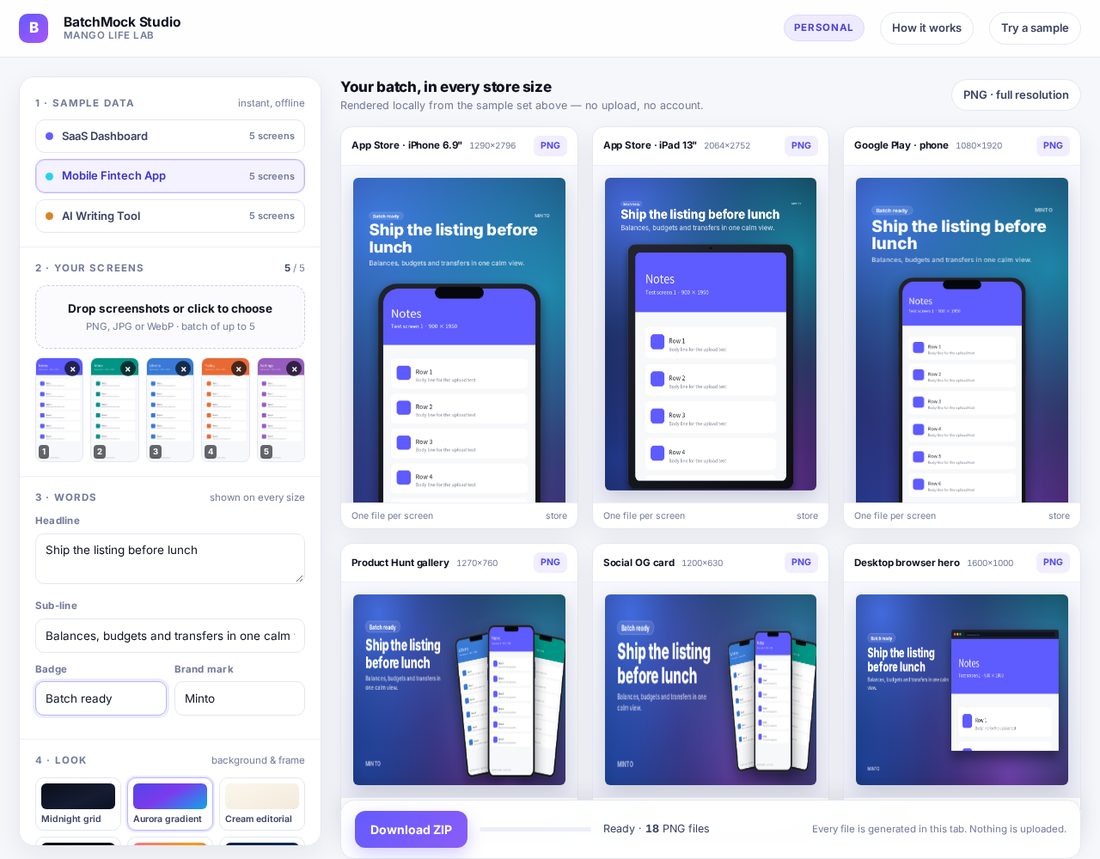
The counter shows exactly what the ZIP will contain. Press download and the 18 PNGs are packed with store-mode compression that any unzip tool reads.
“The screens a client has not shipped yet should not travel to someone else's server.”
That is why the render happens in the tab: no upload, no account, no third-party script on this page or in the tool.
Both licences open the same file; the Commercial licence raises the batch size and adds client-work controls.
For your own apps and side projects.
One-time payment · 1 year of app updates
For freelancers and small studios shipping for clients.
One-time payment · 1 year of app updates
| Feature | Personal $19 | Commercial $49 |
|---|---|---|
| Screens per batch | 5 | 20 |
| PNGs per batch | 18 | 63 |
| File name prefix | — | Included |
| Text-free set | — | Included |
| Saved brand presets | — | Included |
| Six store formats | All plans | All plans |
| Runs offline in one HTML file | All plans | All plans |
| Updates | 1 year included | 1 year included |
Enter the redemption code from your AppSumo purchase and we will issue the key for your tier. One code activates one licence.
Keys are tied to the email you enter. Keep the key with your receipt.
No. You pay once for the licence and keep the version you buy. App updates are included for one year after purchase; after that the file keeps working as it is.
No. The tool is one HTML file with its fonts and sample screens inside. With the network off it still renders every format and builds the ZIP.
Nowhere. You open the file from your own disk and the render happens in the browser tab. There is no upload, no account and no server call in the tool.
App Store 1290×2796, iPad 2064×2752, Google Play 1080×1920, Product Hunt 1270×760, OG 1200×630 and desktop 1600×1000.
Yes. The Commercial licence adds a 20-screen batch, a file name prefix, a text-free set and saved brand presets for client jobs.
Unzip the download and open the HTML file in Chrome, Edge, Safari or Firefox. There is no installer and no login.
Run a second batch. The ZIP name carries a timestamp, so a new export never overwrites the previous one.
The key is checked against the email it was issued to and the number of seats in your tier. Keep it with your receipt; support can re-issue a lost key from the purchase email.
Any current desktop browser, online or offline. No install, no account.